
Run a 15-Minute Stand-Up Meeting
What did I complete since the last meeting? What am I working on next? What is blocking progress? Focus updates on the shared team goal. Standing is optional; choose an accessible format for everyone.
Suggested reading: 5-7 minutes. Allow additional time for practice.
See the actual materials
These are pages from the files included with this course. Open a preview to inspect the text before purchasing.
What you’ll learn
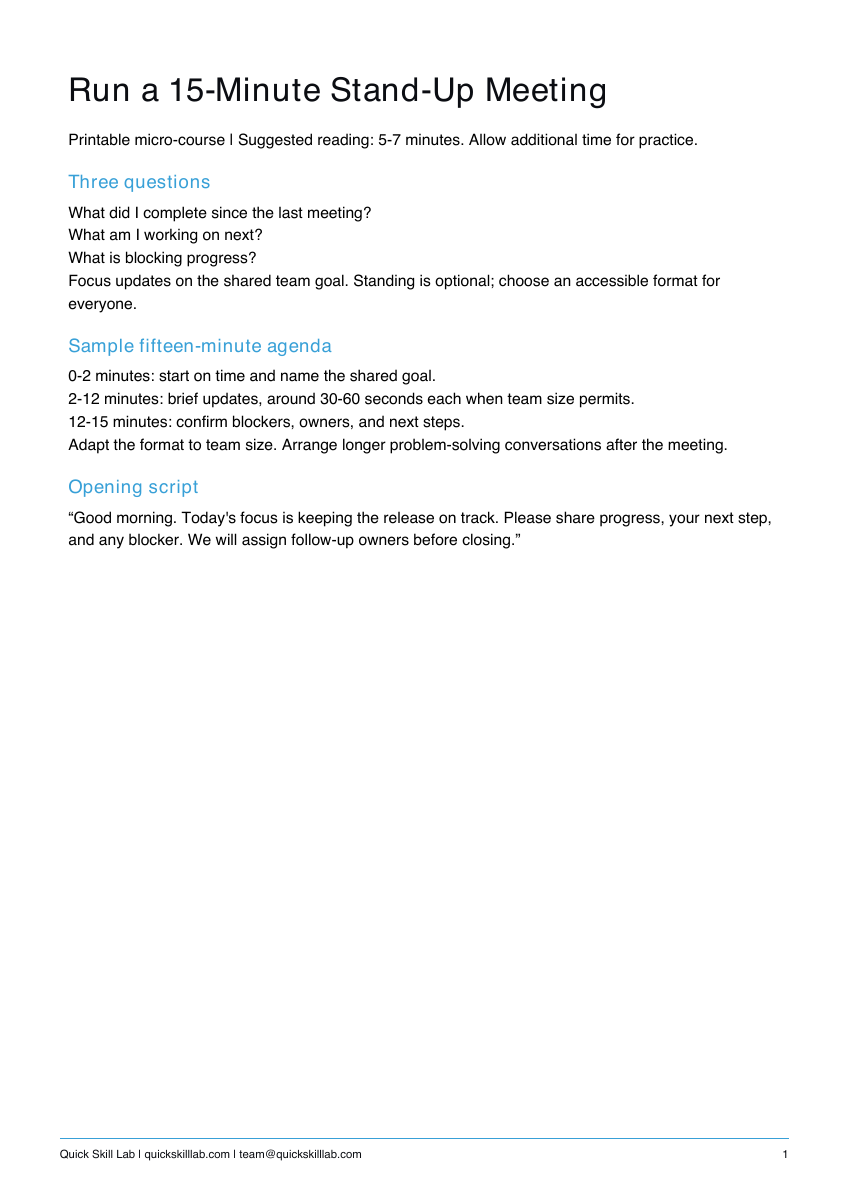
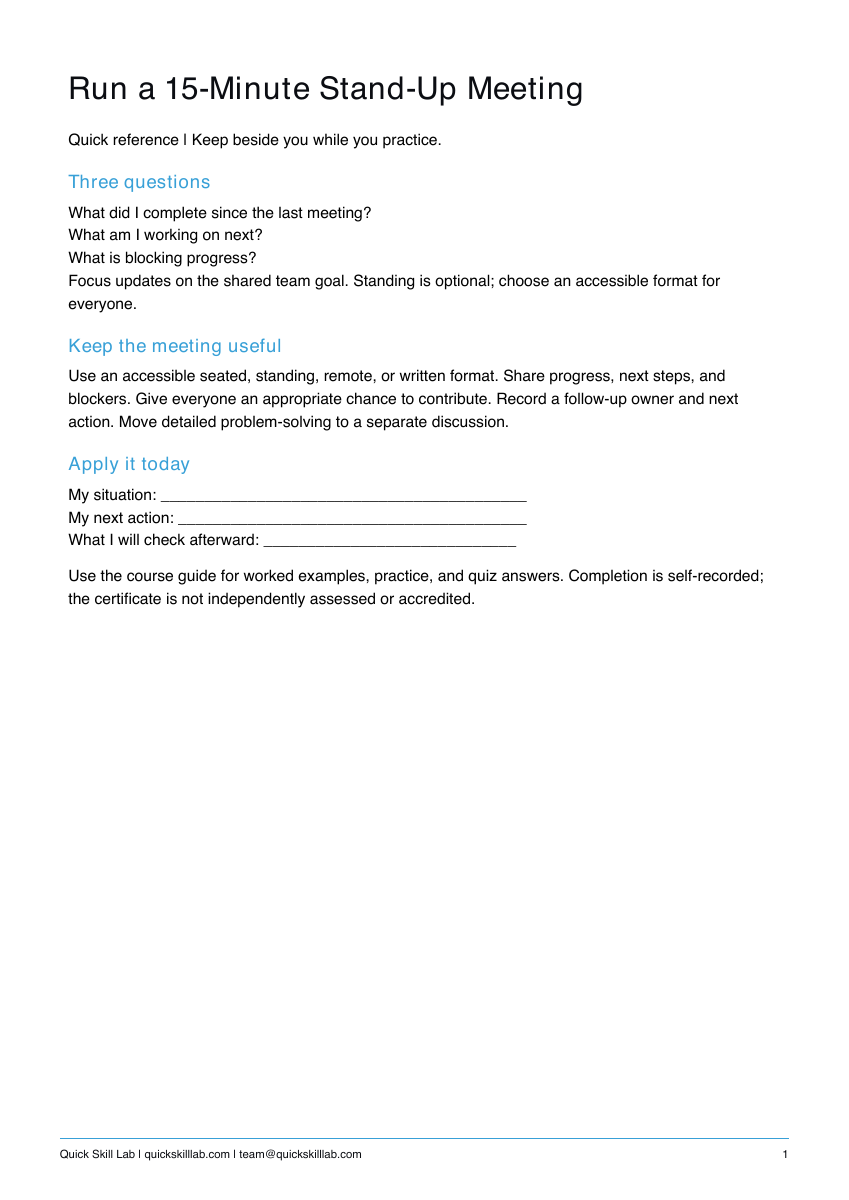
Three questions
What did I complete since the last meeting?
What am I working on next?
What is blocking progress?
Focus updates on the shared team goal. Standing is optional; choose an accessible format for everyone.
Sample fifteen-minute agenda
0-2 minutes: start on time and name the shared goal.
2-12 minutes: brief updates, around 30-60 seconds each when team size permits.
12-15 minutes: confirm blockers, owners, and next steps.
Adapt the format to team size. Arrange longer problem-solving conversations after the meeting.
Opening script
“Good morning. Today's focus is keeping the release on track. Please share progress, your next step, and any blocker. We will assign follow-up owners before closing.”
What’s included
Course guide with worked examples, printable practice, and quiz answers; one-page quick reference; personal completion template.
These are downloadable PDFs. Practice activities are designed for paper or your own work tools. The personal completion template records your own completion; it is not independently assessed or accredited and provides no continuing education credits.
How it works
- Complete the secure Stripe checkout.
- Use the confirmation page to download the guide, quick reference, and personal completion template.
- Read the lesson, complete the practice, and keep the reference nearby.
Save your files and payment receipt. If you lose access or have a question, email team@quickskilllab.com. We typically respond within 1–2 business days.
Browse all courses · Get the free calm script · Free lessons FAQ