
Create a Simple Project Timeline Your Team Will Actually Use
1. List the work in a logical order. Work backward from the milestone and identify dependencies. 2. Assign one accountable owner to each task. Others can help, but responsibility should be clear. 3. Agree on start and due dates, allowing for reviews, availability, and dependencies.
Suggested reading: 6-8 minutes. Allow additional time for practice.
See the actual materials
These are pages from the files included with this course. Open a preview to inspect the text before purchasing.
What you’ll learn
The three-step process
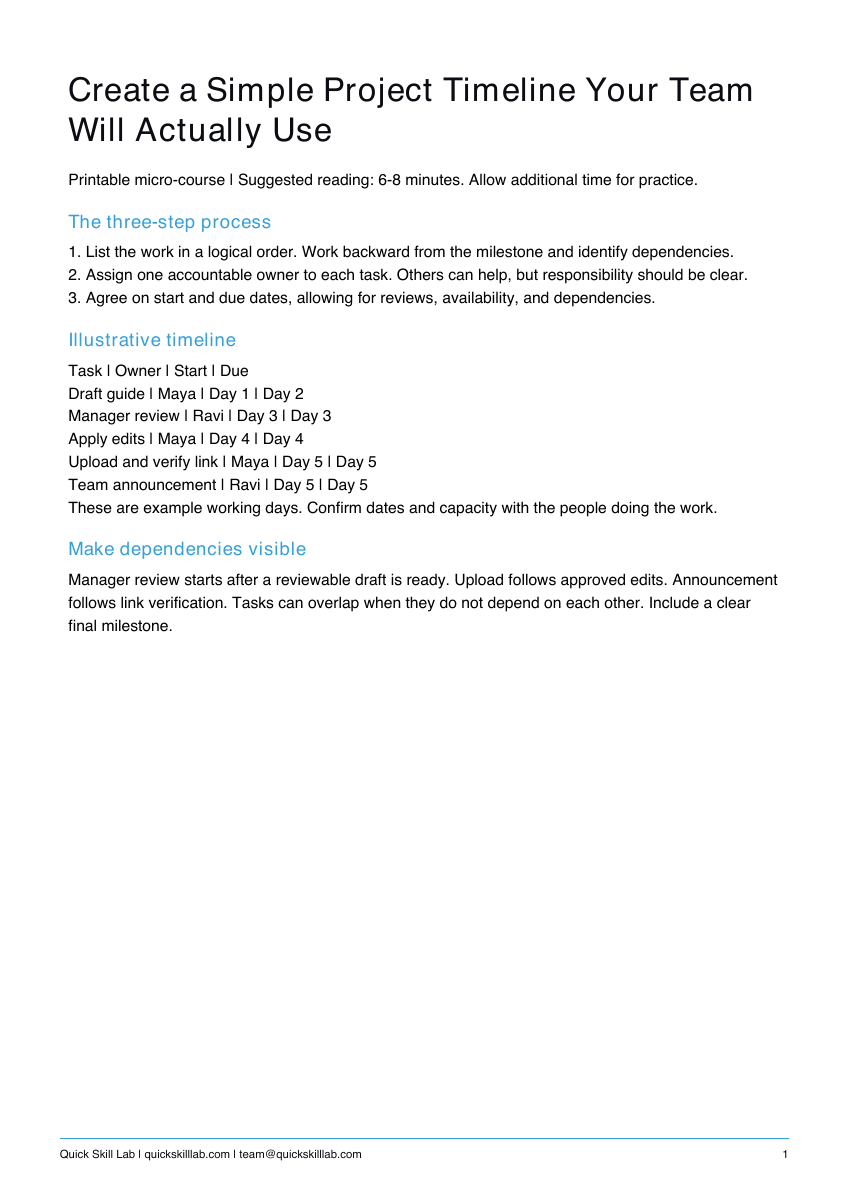
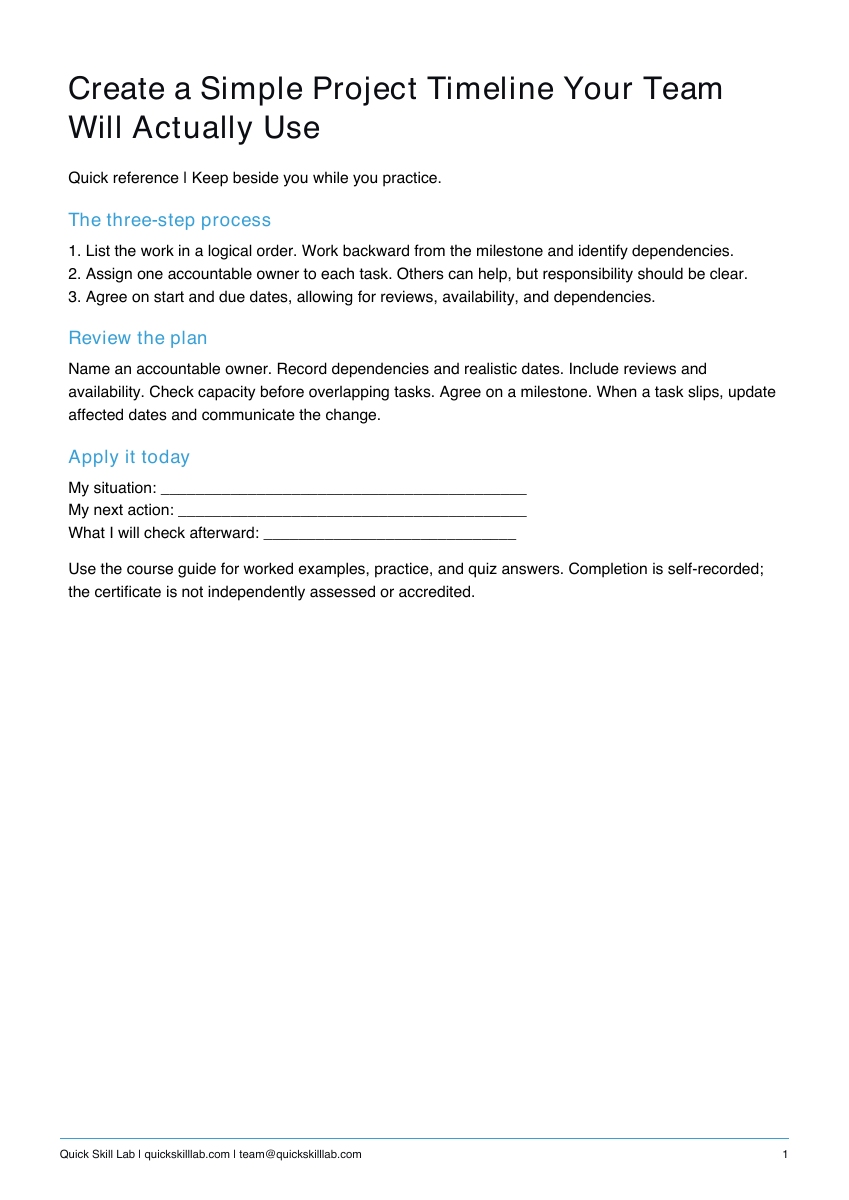
1. List the work in a logical order. Work backward from the milestone and identify dependencies.
2. Assign one accountable owner to each task. Others can help, but responsibility should be clear.
3. Agree on start and due dates, allowing for reviews, availability, and dependencies.
Illustrative timeline
Task | Owner | Start | Due
Draft guide | Maya | Day 1 | Day 2
Manager review | Ravi | Day 3 | Day 3
Apply edits | Maya | Day 4 | Day 4
Upload and verify link | Maya | Day 5 | Day 5
Team announcement | Ravi | Day 5 | Day 5
These are example working days. Confirm dates and capacity with the people doing the work.
Make dependencies visible
Manager review starts after a reviewable draft is ready. Upload follows approved edits. Announcement follows link verification. Tasks can overlap when they do not depend on each other. Include a clear final milestone.
What’s included
Course guide with worked examples, printable practice, and quiz answers; one-page quick reference; personal completion template.
These are downloadable PDFs. Practice activities are designed for paper or your own work tools. The personal completion template records your own completion; it is not independently assessed or accredited and provides no continuing education credits.
How it works
- Complete the secure Stripe checkout.
- Use the confirmation page to download the guide, quick reference, and personal completion template.
- Read the lesson, complete the practice, and keep the reference nearby.
Save your files and payment receipt. If you lose access or have a question, email team@quickskilllab.com. We typically respond within 1–2 business days.
Browse all courses · Get the free calm script · Free lessons FAQ