
The Perfect Follow-Up Email
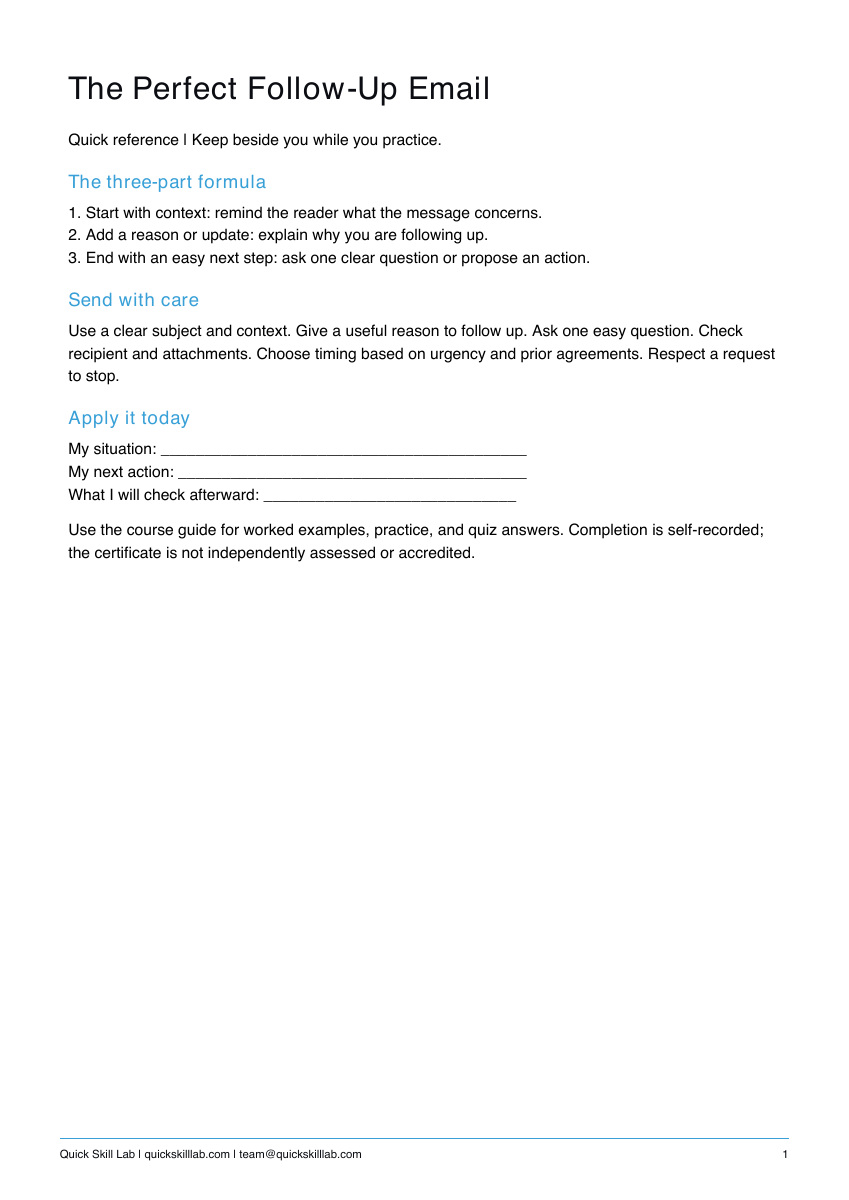
1. Start with context: remind the reader what the message concerns. 2. Add a reason or update: explain why you are following up. 3. End with an easy next step: ask one clear question or propose an action.
Suggested reading: 6-8 minutes. Allow additional time for practice.
See the actual materials
These are pages from the files included with this course. Open a preview to inspect the text before purchasing.
What you’ll learn
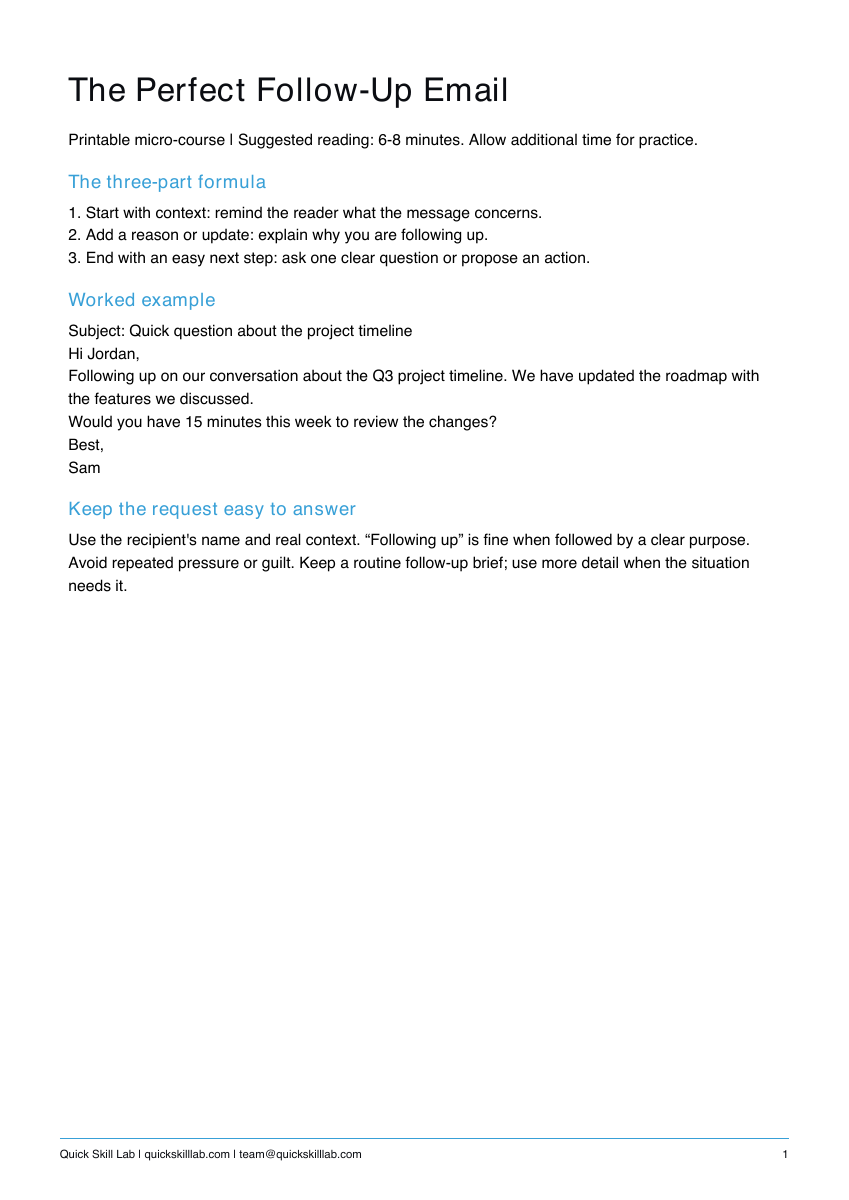
The three-part formula
1. Start with context: remind the reader what the message concerns.
2. Add a reason or update: explain why you are following up.
3. End with an easy next step: ask one clear question or propose an action.
Worked example
Subject: Quick question about the project timeline
Hi Jordan,
Following up on our conversation about the Q3 project timeline. We have updated the roadmap with the features we discussed.
Would you have 15 minutes this week to review the changes?
Best,
Sam
Keep the request easy to answer
Use the recipient's name and real context. “Following up” is fine when followed by a clear purpose. Avoid repeated pressure or guilt. Keep a routine follow-up brief; use more detail when the situation needs it.
What’s included
Course guide with worked examples, printable practice, and quiz answers; one-page quick reference; personal completion template.
These are downloadable PDFs. Practice activities are designed for paper or your own work tools. The personal completion template records your own completion; it is not independently assessed or accredited and provides no continuing education credits.
How it works
- Complete the secure Stripe checkout.
- Use the confirmation page to download the guide, quick reference, and personal completion template.
- Read the lesson, complete the practice, and keep the reference nearby.
Save your files and payment receipt. If you lose access or have a question, email team@quickskilllab.com. We typically respond within 1–2 business days.
Browse all courses · Get the free calm script · Free lessons FAQ