
Read a Data Dashboard Without Panicking
1. Read the purpose and date range. What question is the dashboard answering? 2. Check the main metrics, comparisons, and targets. Confirm what each number measures. 3. Investigate possible drivers. Look at categories, channels, and periods before drawing a conclusion.
Suggested reading: 6-8 minutes. Allow additional time for practice.
See the actual materials
These are pages from the files included with this course. Open a preview to inspect the text before purchasing.
What you’ll learn
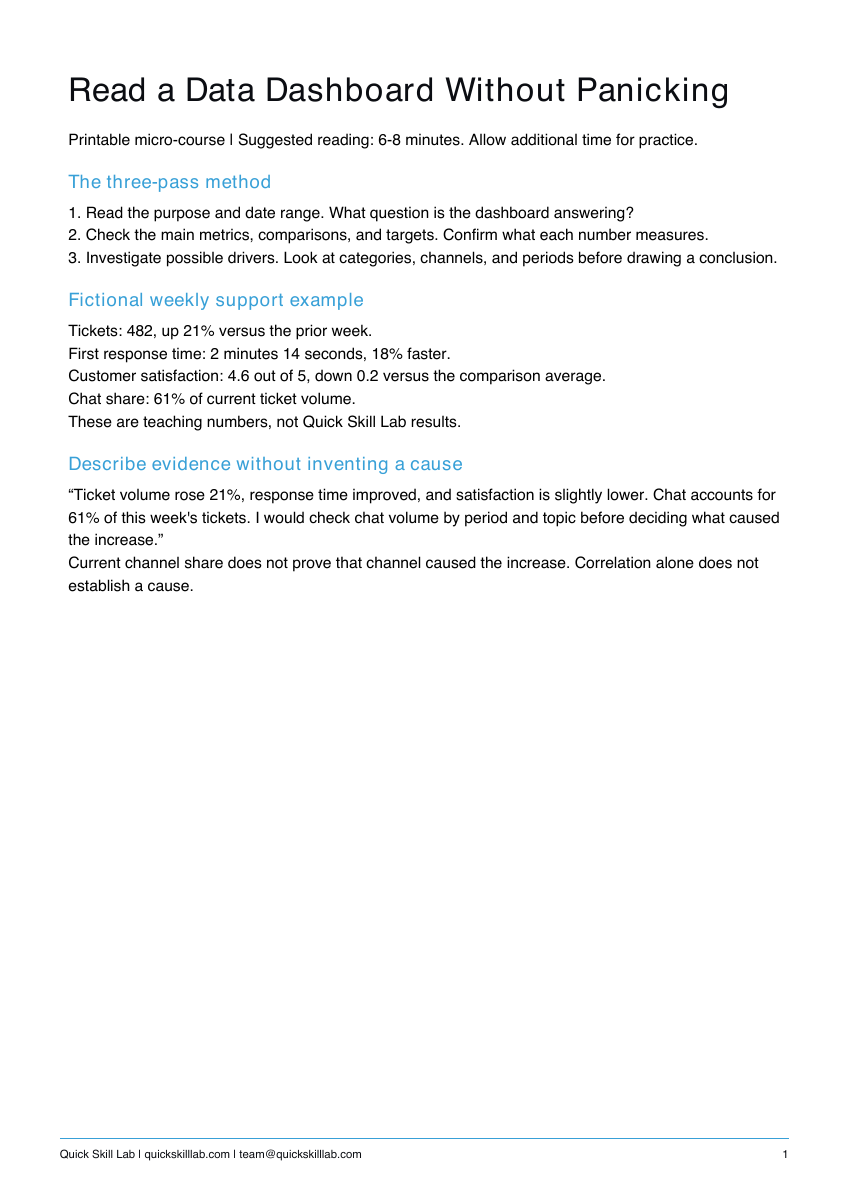
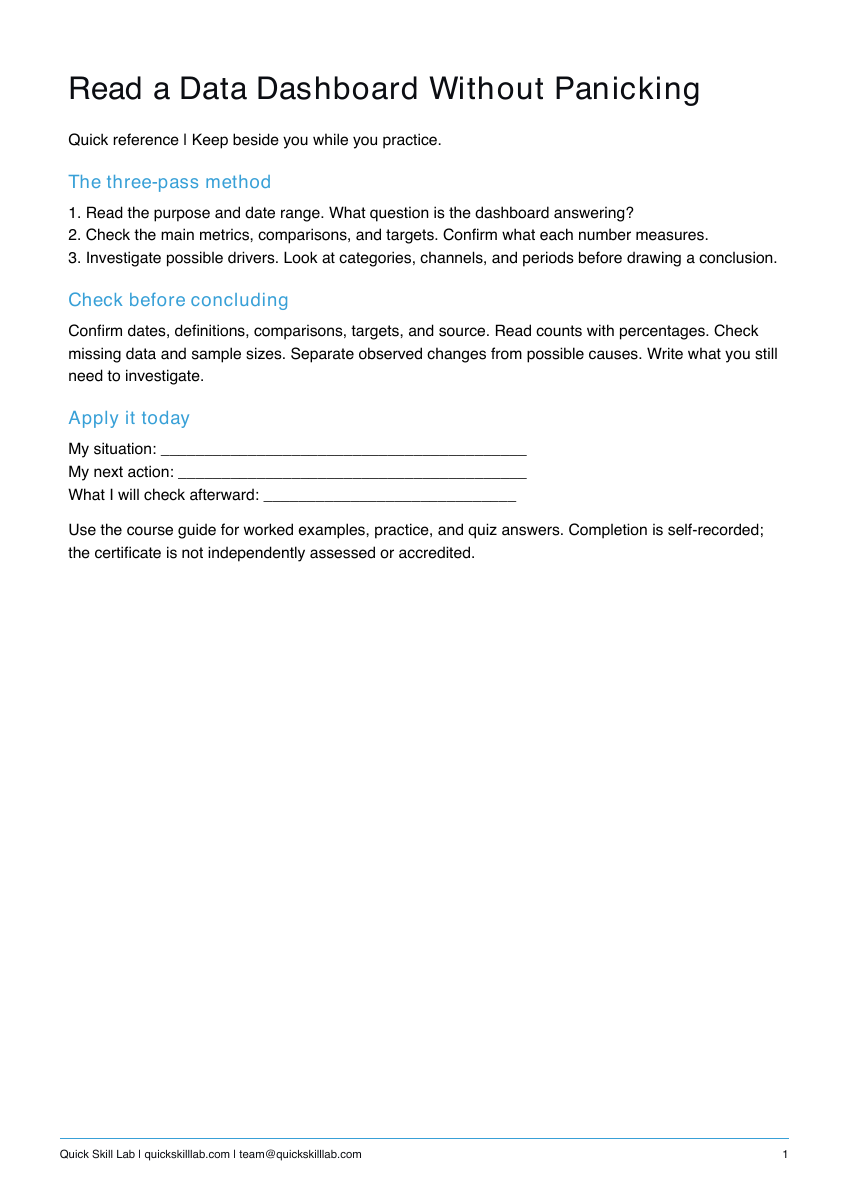
The three-pass method
1. Read the purpose and date range. What question is the dashboard answering?
2. Check the main metrics, comparisons, and targets. Confirm what each number measures.
3. Investigate possible drivers. Look at categories, channels, and periods before drawing a conclusion.
Fictional weekly support example
Tickets: 482, up 21% versus the prior week.
First response time: 2 minutes 14 seconds, 18% faster.
Customer satisfaction: 4.6 out of 5, down 0.2 versus the comparison average.
Chat share: 61% of current ticket volume.
These are teaching numbers, not Quick Skill Lab results.
Describe evidence without inventing a cause
“Ticket volume rose 21%, response time improved, and satisfaction is slightly lower. Chat accounts for 61% of this week's tickets. I would check chat volume by period and topic before deciding what caused the increase.”
Current channel share does not prove that channel caused the increase. Correlation alone does not establish a cause.
What’s included
Course guide with worked examples, printable practice, and quiz answers; one-page quick reference; personal completion template.
These are downloadable PDFs. Practice activities are designed for paper or your own work tools. The personal completion template records your own completion; it is not independently assessed or accredited and provides no continuing education credits.
How it works
- Complete the secure Stripe checkout.
- Use the confirmation page to download the guide, quick reference, and personal completion template.
- Read the lesson, complete the practice, and keep the reference nearby.
Save your files and payment receipt. If you lose access or have a question, email team@quickskilllab.com. We typically respond within 1–2 business days.
Browse all courses · Get the free calm script · Free lessons FAQ