
Use AI Tools at Work Without Looking Clueless
1. Give context: describe the task, audience, desired format, and constraints. 2. Ask for a useful draft or structure: an outline, summary, or alternatives. 3. Review before use: verify facts and numbers, adapt the tone, and follow your employer's rules.
Suggested reading: 7-10 minutes. Allow additional time for practice.
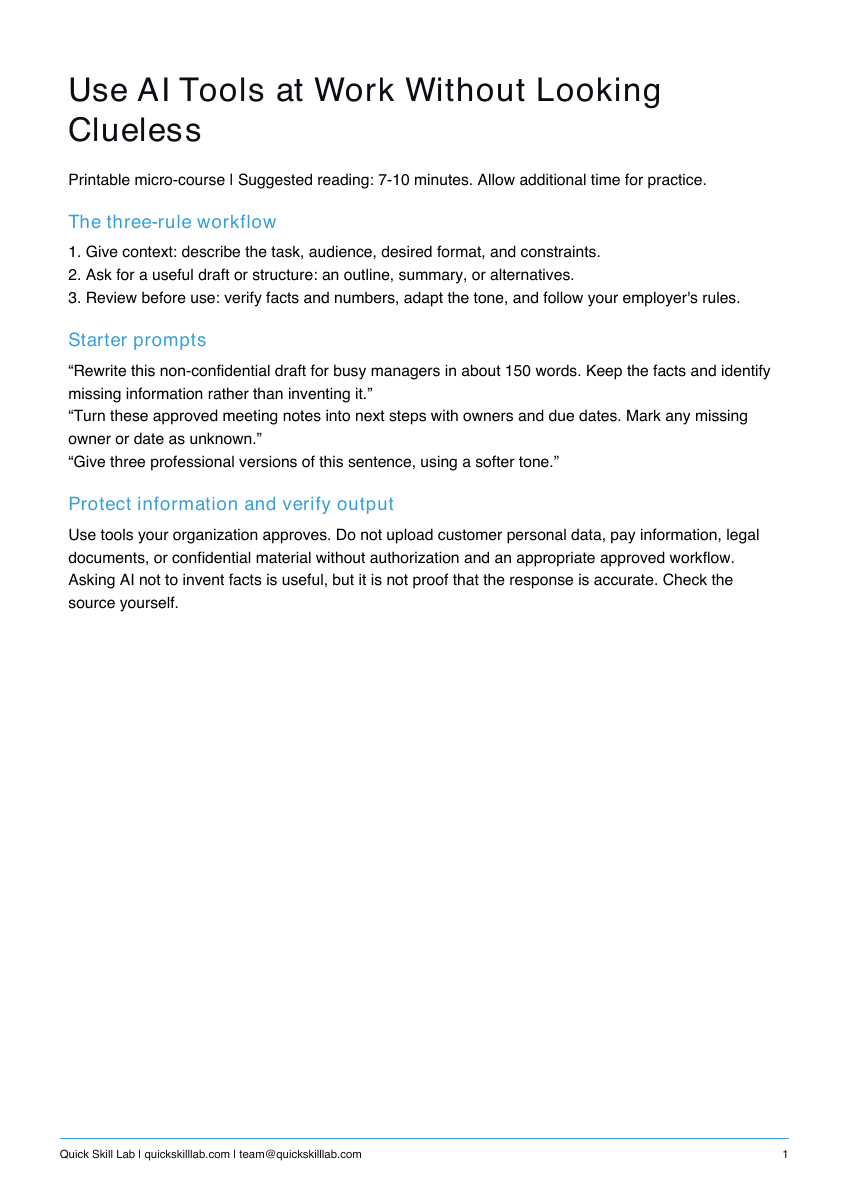
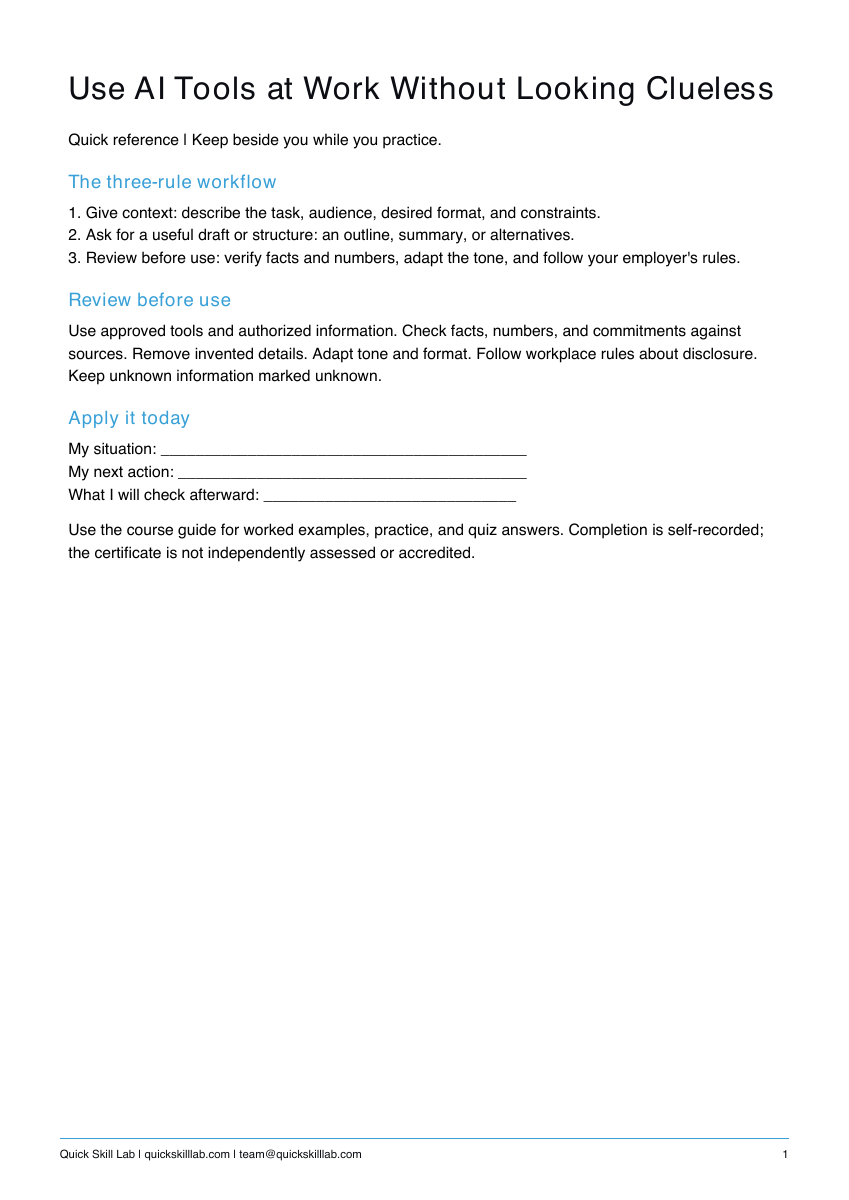
See the actual materials
These are pages from the files included with this course. Open a preview to inspect the text before purchasing.
Choose the AI course for your task
This $5.99 course is a broad starting point: workplace use cases, starter prompts, information handling, and checking a draft. It includes three PDFs.
For focused practice in structuring and improving a prompt, see Write Better AI Prompts for Everyday Work ($6.99). That course adds a separate worked scenario, acceptance checks, and an editable TXT prompt pack. Buying both is optional.
What you’ll learn
The three-rule workflow
1. Give context: describe the task, audience, desired format, and constraints.
2. Ask for a useful draft or structure: an outline, summary, or alternatives.
3. Review before use: verify facts and numbers, adapt the tone, and follow your employer's rules.
Starter prompts
“Rewrite this non-confidential draft for busy managers in about 150 words. Keep the facts and identify missing information rather than inventing it.”
“Turn these approved meeting notes into next steps with owners and due dates. Mark any missing owner or date as unknown.”
“Give three professional versions of this sentence, using a softer tone.”
Protect information and verify output
Use tools your organization approves. Do not upload customer personal data, pay information, legal documents, or confidential material without authorization and an appropriate approved workflow. Asking AI not to invent facts is useful, but it is not proof that the response is accurate. Check the source yourself.
What’s included
Course guide with worked examples, printable practice, and quiz answers; one-page quick reference; personal completion template.
These are downloadable PDFs. Practice activities are designed for paper or your own work tools. The personal completion template records your own completion; it is not independently assessed or accredited and provides no continuing education credits.
How it works
- Complete the secure Stripe checkout.
- Use the confirmation page to download the guide, quick reference, and personal completion template.
- Read the lesson, complete the practice, and keep the reference nearby.
Save your files and payment receipt. If you lose access or have a question, email team@quickskilllab.com. We typically respond within 1–2 business days.
Browse all courses · Get the free calm script · Free lessons FAQ