
PRACTICAL AI MICRO-COURSE
Use AI to Explain and Troubleshoot Excel Formulas
Ask focused formula questions, test suggested fixes on fictional data, and verify the result before using it in a workbook.
Suggested reading: 10-15 minutes, plus practice.
See the actual materials
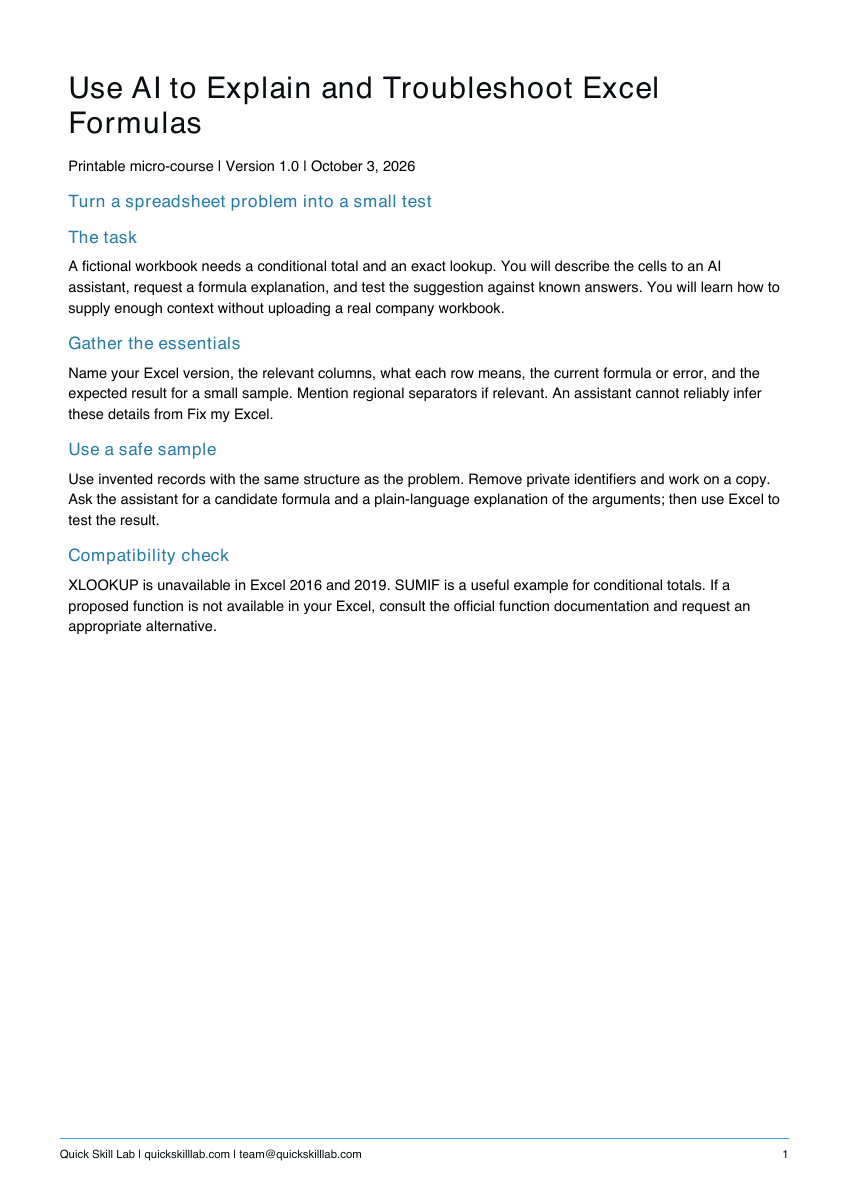
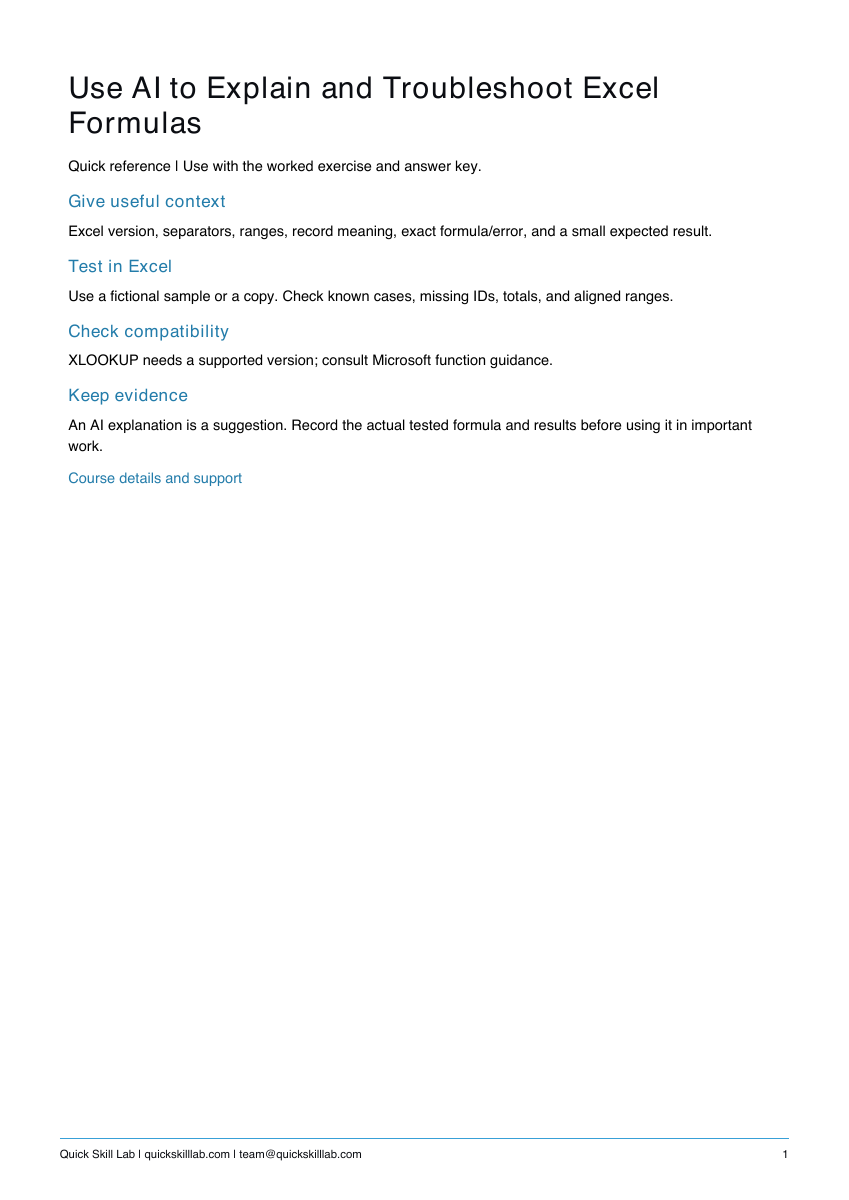
These are pages from the files included with this course. Open a preview to inspect the text before purchasing.
Build a skill you can check
- Give useful context: Excel version, separators, ranges, record meaning, exact formula/error, and a small expected result.
- Test in Excel: Use a fictional sample or a copy. Check known cases, missing IDs, totals, and aligned ranges.
- Check compatibility: XLOOKUP needs a supported version; consult Microsoft function guidance.
Requires access to a text AI assistant you are allowed to use. Examples are provider-neutral and use fictional data. No API, paid AI plan, or special integration is required by these exercises; availability and account limits vary. Check and edit output yourself.
What you receive
- Four-page PDF guide with an original worked example, exercise, answer checks, quiz, and source links.
- One-page PDF quick reference.
- Editable TXT prompt pack to copy, adapt, and save.
- Fillable PDF personal completion template.
No video or live coaching is included. The personal completion template records your own work; it is not independently assessed or accredited. Examples are fictional and illustrative; actual AI responses vary.
Try a complete free workflow first
Use five prompts to turn rough notes into a clear team email and check every commitment against the source.
Get the free AI Work Starter KitKeep control of the result
The guide teaches you to review the source and test the output. It does not send messages, assign work, change files, or promise a business outcome for you.
Questions about a purchase? Email team@quickskilllab.com with your receipt reference. We typically reply within 1–2 business days.
Browse all 22 courses